PGB-1 User Manual
Welcome to the official user manual for the Wee Noise Makers PGB-1.
The PGB-1 is a portable, battery-powered music production device designed for creating beats, melodies, and complete tracks on the go. With its intuitive interface, powerful synth engines, and comprehensive sequencing capabilities, the PGB-1 puts professional music production in your pocket.
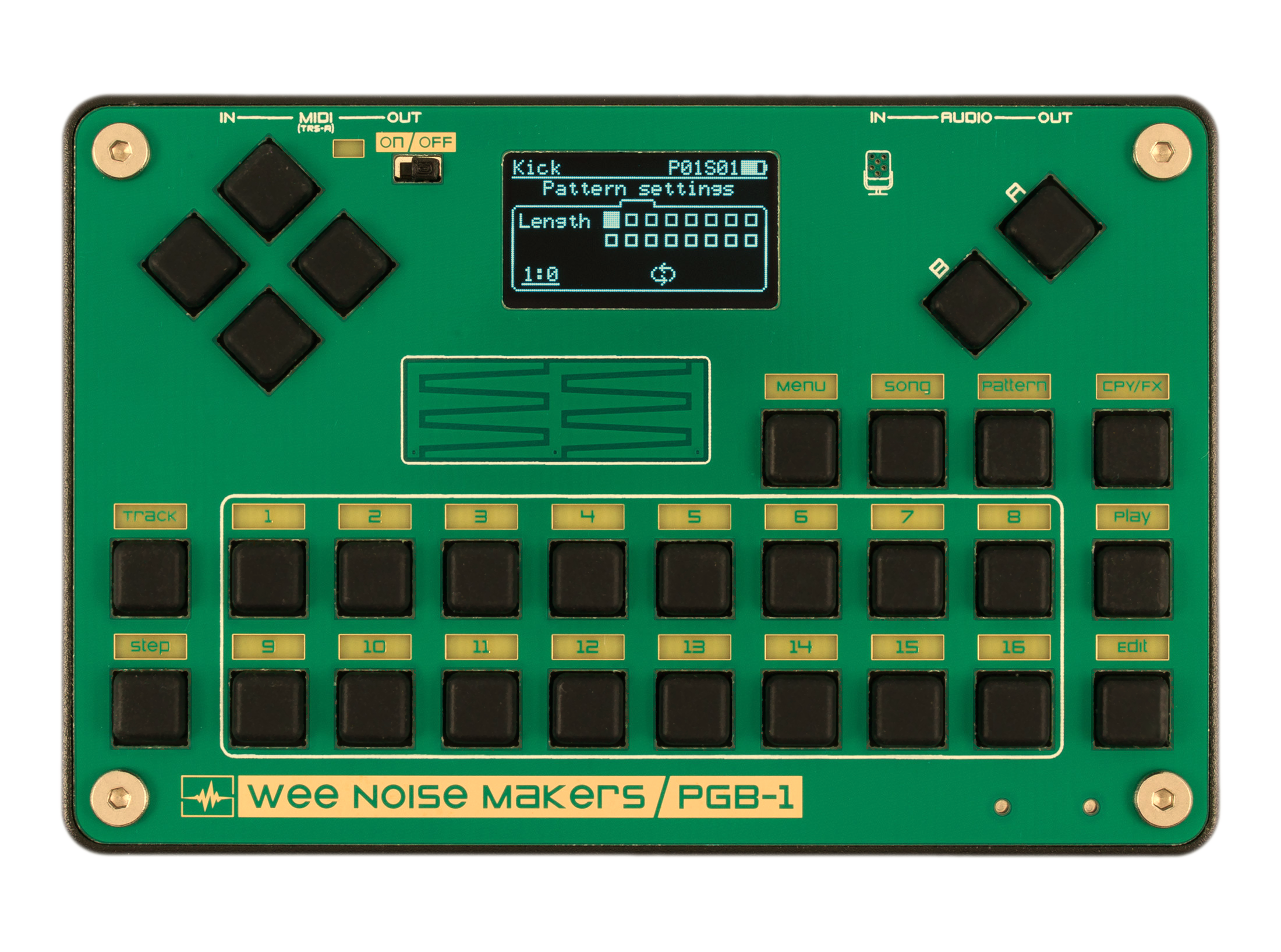
Key Features
16 Tracks - 6 synth tracks, 2 sample tracks, 3 audio FX tracks, and 5 MIDI tracks
16-Step Sequencer - Create patterns up to 256 steps with pattern linking
Multiple Synth Engines - Dozens of sound engines for kicks, snares, hi-hats, bass, leads, and chords
12 Song Parts - Arrange your tracks into complete songs
Chord Progressions - Built-in chord system with automatic note mapping
Live Performance FX - Real-time effects for dynamic performances
Sample Recording - Record and edit samples directly on the device
Battery Powered - Create music anywhere with the built-in rechargeable battery
Getting Started
New to the PGB-1? Start here:
Hardware Layout - Learn the buttons and controls
Power & Charging - Set up your device
Navigation Basics - Understand the interface
Rhythm Basics - fundamental concepts of rhythm and sequencing
Your First Project - Create your first beat
Join the Community
Connect with other PGB-1 users and stay updated:
Discord: Join the Wee Noise Makers Discord to share tips, tricks, and music
Social Media: Follow @weenoisemakers and tag us in your creations
Demo Projects
The PGB-1 comes with built-in demo projects to help you explore its capabilities:
“Lost1” (Lost one) by AA Battery Music
“Noxis” in collaboration with Technoval
“Dark (#1)” based on BroBeatzTV’s dark trap tutorial
“Echo (#2)” based on Alice Efe’s downtempo tutorial
Load a demo project from the menu: Menu > Projects > Load. Once the project is loaded, you can press the Play button to start the sequencer. Most demo projects contain several “song parts”, these are sections of a song with different patterns, chords, or instruments enabled (intro, chorus, break, outro, etc.).
To change the song part, press the Song button to enter Song mode, then press button 2 to queue part two. It can take some time for the new part to start playing as the sequencer will wait for the full run of the current part before switching to the new one. Get familiar with each part and perform your own version of the track. You can also jump in Track mode and tweak the synths parameters.
Firmware Updates
Keep your PGB-1 up to date with the latest features and improvements. Check the Firmware Updates section for instructions.